
With King Addons Pro, create a Checkout template in WooCommerce Builder, use the supported checkout controls and test it on the store’s assigned checkout page.
Before you start
WooCommerce, Elementor and an active King Addons Pro license. Checkout templates require Pro. Payment methods and order processing remain WooCommerce responsibilities.
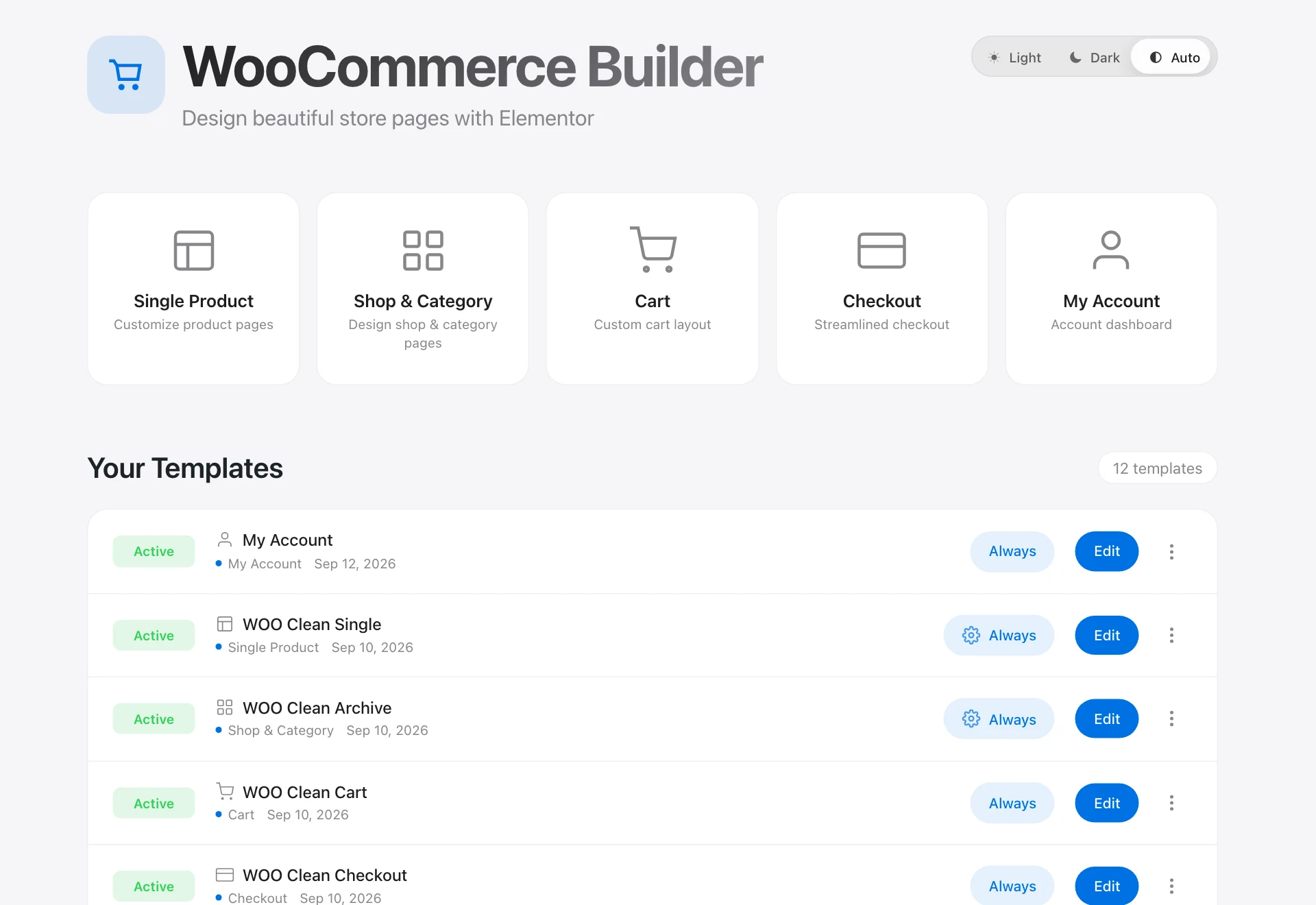
Set it up in WordPress
Confirm the checkout page and plan
Check which page WooCommerce uses for checkout. Confirm that Pro is active before creating a Checkout builder template; the Free builder contexts are Single Product and Product Archive.
Choose the Checkout template type
Open WooCommerce Builder and choose Checkout. Name the template so it is easy to identify during testing.
Design the checkout layout
Use the matching WooCommerce checkout widgets or supported checkout form rather than recreating order fields with unrelated form inputs. Keep validation messages and required fields visible.
Assign and preview the template
Enable the template for the intended checkout context. Put a product in the cart and open the real checkout URL in a visitor session.
Run a test order
Use the payment provider’s test mode. Check billing, shipping, validation errors, order totals and the order-received page. Do not use a live charge as your layout test.
Check the result
Test guest checkout and account checkout, an invalid required field, shipping changes and a test-mode payment. A visually correct template alone does not prove that the payment flow works.
Common questions
Can I do this with the Free builder?
The reviewed plugin gates Cart, Checkout and My Account template contexts behind Pro.
Does the builder process payments?
No. WooCommerce and the configured gateway handle payment processing.