
Create a Single Product template in King Addons WooCommerce Builder, build it with the matching product widgets and assign it to the products that need the layout.
Before you start
Elementor, King Addons and WooCommerce with at least one product. Single Product templates are available in Free.
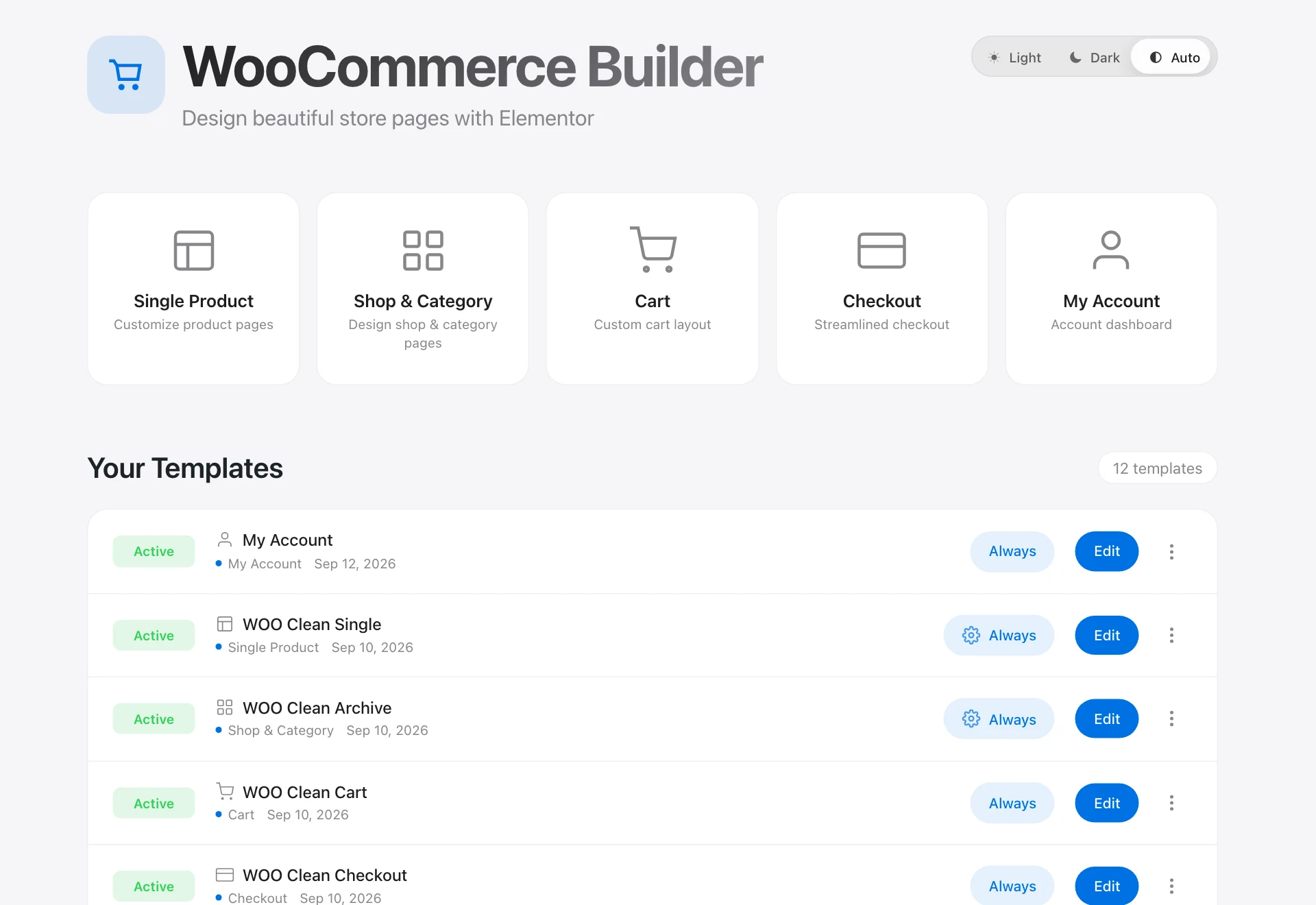
Set it up in WordPress
Open Single Product templates
Go to WooCommerce Builder and choose Single Product. Use a clearly named template so you can distinguish it from archive, cart and checkout designs.
Build with product data
Open the template in Elementor and use the matching product widgets for the image, title, price, description and purchase controls. A plain text price will not stay connected to the product.
Preview a real product
Choose product content with a representative title, image and price. Include a variable product in your checks if the store sells variations.
Set display conditions
Assign the template to the relevant product or category. Review other active templates and their priority when conditions overlap.
Check the buying action
Open the product as a visitor and try selecting any required options before adding it to the cart. Continue to the cart and confirm the item and price are correct.
Check the result
Test a matching product, a non-matching product and a mobile-width layout. Confirm that the purchase action uses WooCommerce data, rather than a decorative button.
Common questions
Is the Single Product builder free?
Yes. Single Product and Product Archive templates are the Free contexts in the reviewed WooCommerce Builder.
Does a full-page shop template replace product URLs?
A page template is a visual starting point. Use the builder’s assignment rules to control the actual product URL layout.