
Set the entrance message
Explain the age requirement before visitors continue.
Age Gate
Add an age-verification screen with a design and message that fit your website.
See how to get startedThis sample screen requires visitors to meet the configured age requirement.
Explain the age requirement before visitors continue.
Configure its design and appearance.
Use the verification and display options available in the extension.
Explore the actual settings before you configure the feature.
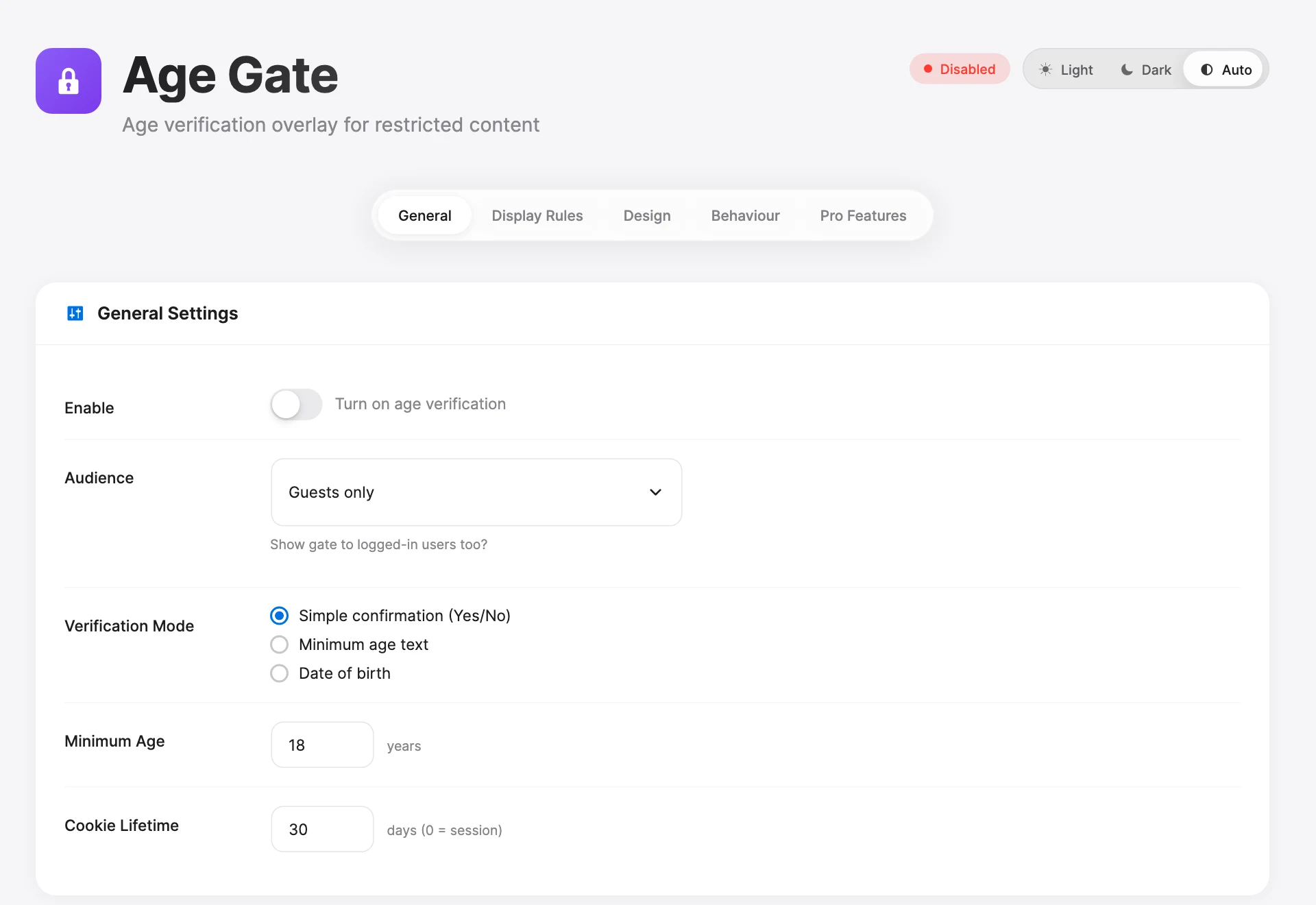
Put the age check where visitors need it and make the next action clear. Preview the message and both available outcomes before publishing.
Additional age-gate options are available in Pro.
Explore the documentation for setup details.
Yes. Use the extension’s appearance settings.
Preview the setup and check it in a fresh visitor session.
Find the King Addons plan that fits your sites.