
Write a clear notice
Explain your use of cookies and link to your policy.
Cookie / Consent Bar
Add a cookie notice that matches your site, with configurable text, appearance and consent behavior.
See how to get startedExplain your use of cookies and link to your policy.
Choose the bar’s presentation and colors.
Configure the consent controls and behavior available in the extension.
Explore the actual settings before you configure the feature.
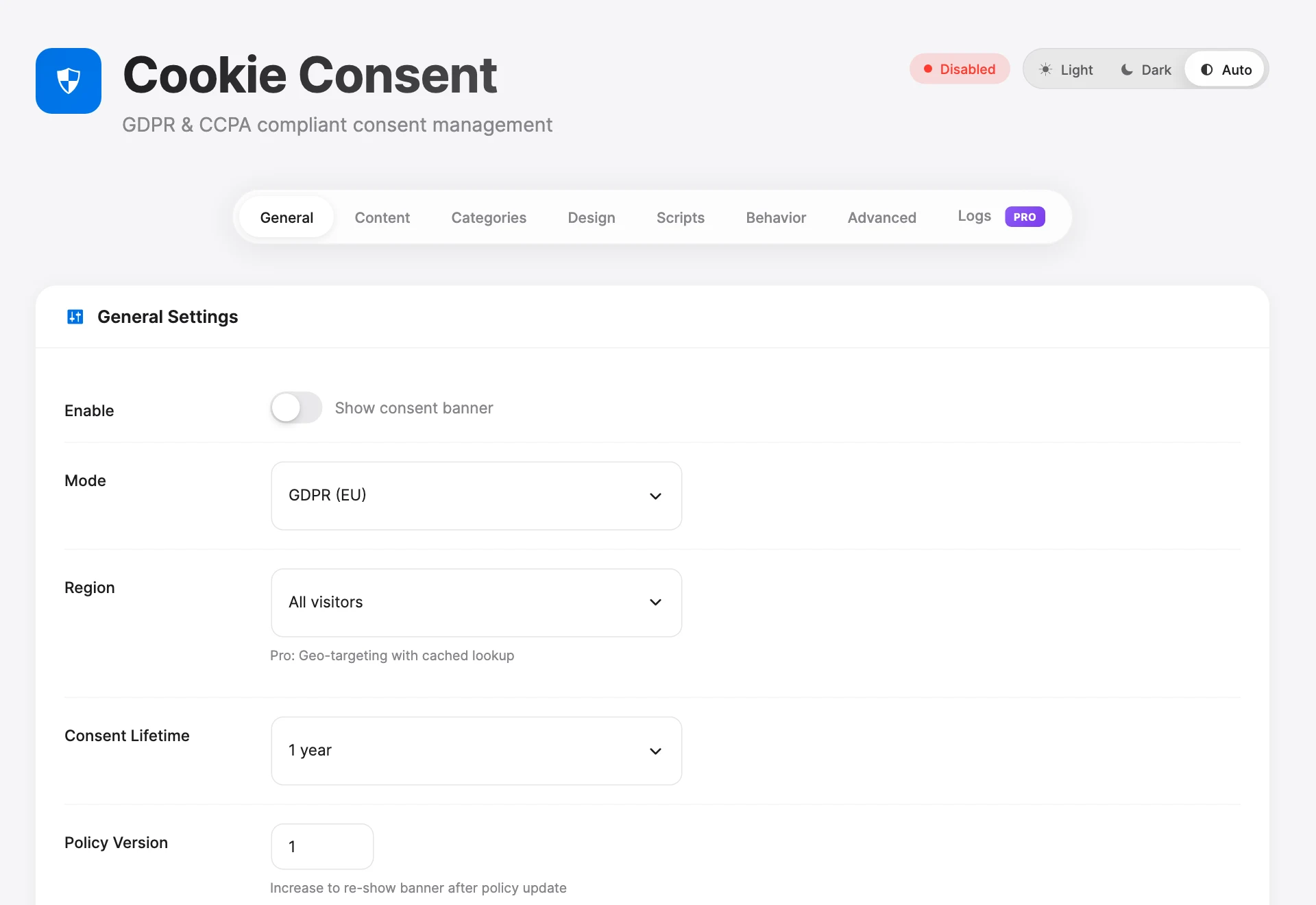
Keep the explanation readable and the visitor’s choices easy to find. Configure the consent bar to suit the services and policies used on your own site.
Configure consent around your actual cookies, services and policies.
Explore the documentation for setup details.
Yes. Customize the notice and available button labels in the settings.
Yes. The extension includes appearance settings for the notice.
See the tool, follow the setup instructions and choose the plan you need.
Find the King Addons plan that fits your sites.