
A slower morning
Ideas for a little more everyday.
Loop Builder
Create a reusable card in Elementor and repeat it for the posts, products or custom entries returned by a query.
See how to get startedIdeas for a little more everyday.
Ideas for a little more everyday.
Ideas for a little more everyday.
Arrange the image, title and supporting fields once.
Use the same design for the entries in a query.
Add more content while retaining the card layout you designed.
Explore the actual settings before you configure the feature.
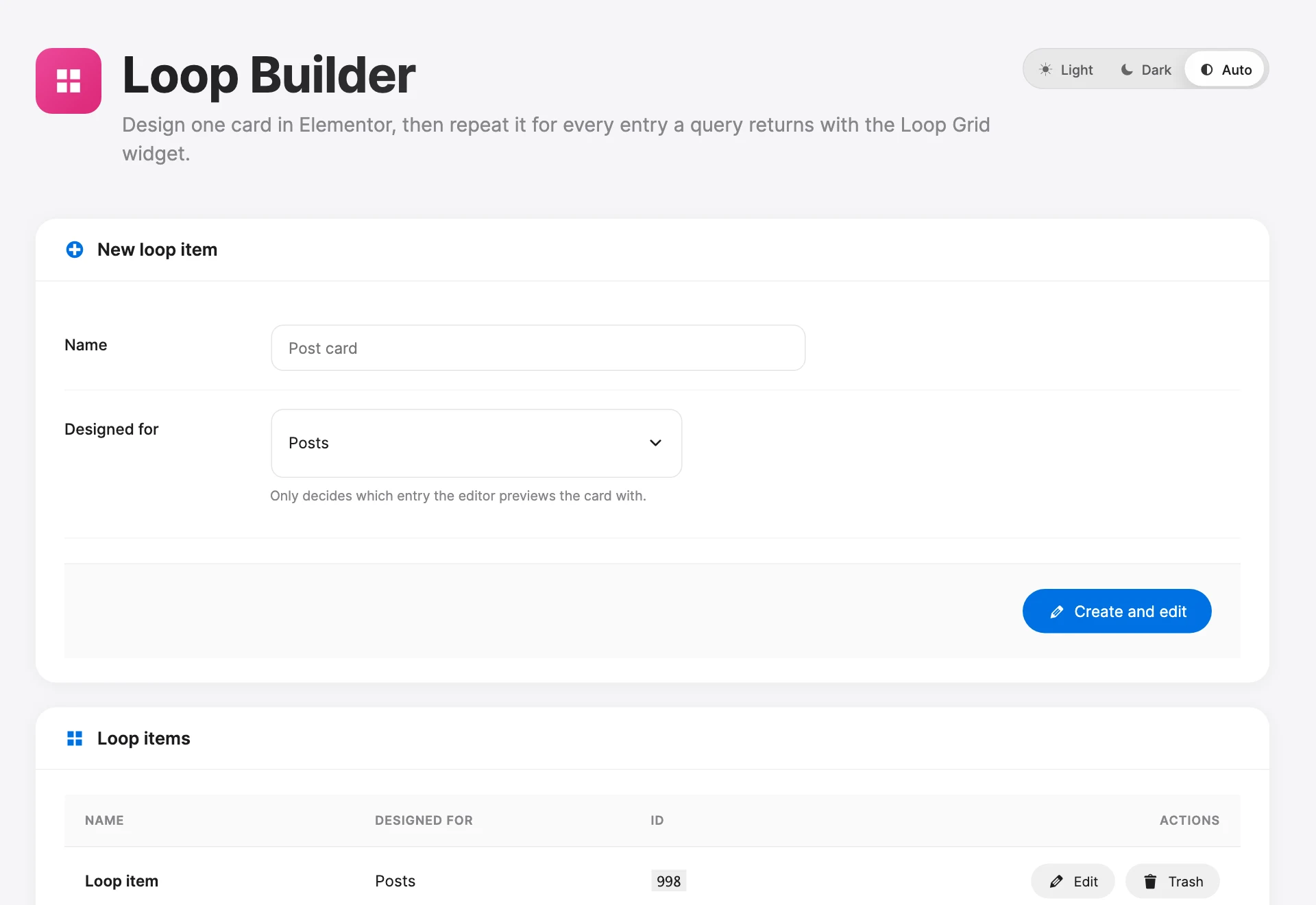
Build layouts for an editorial feed, product collection or another structured list. Each result uses your card design with the values for that entry.
Requires Elementor. Product loops also require WooCommerce.
Explore the documentation for setup details.
Yes. Use dynamic content so each card displays the fields for its entry.
Yes. The loop template is the reusable design for each result.
Find the King Addons plan that fits your sites.