
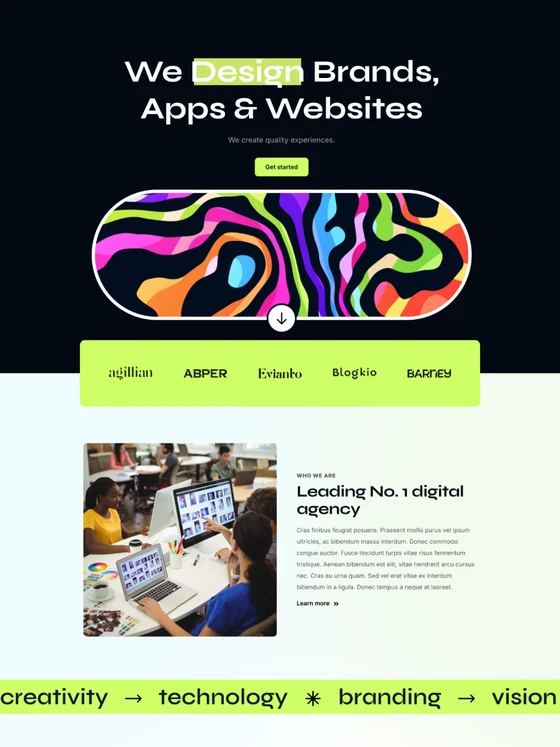
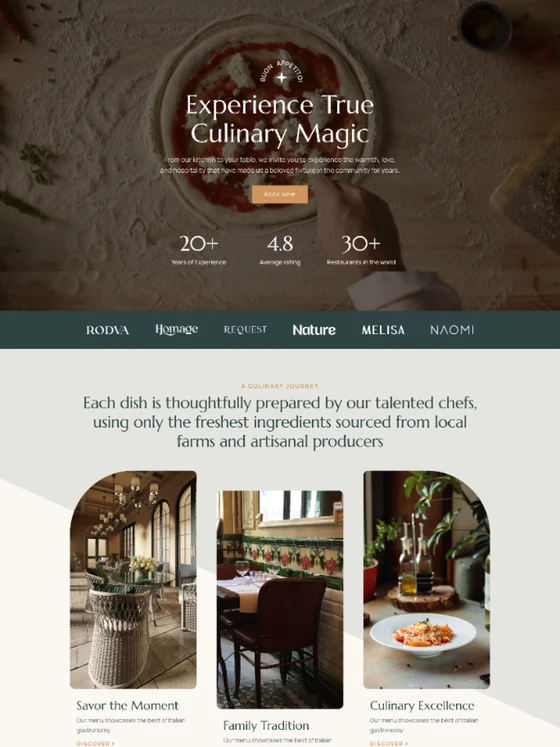
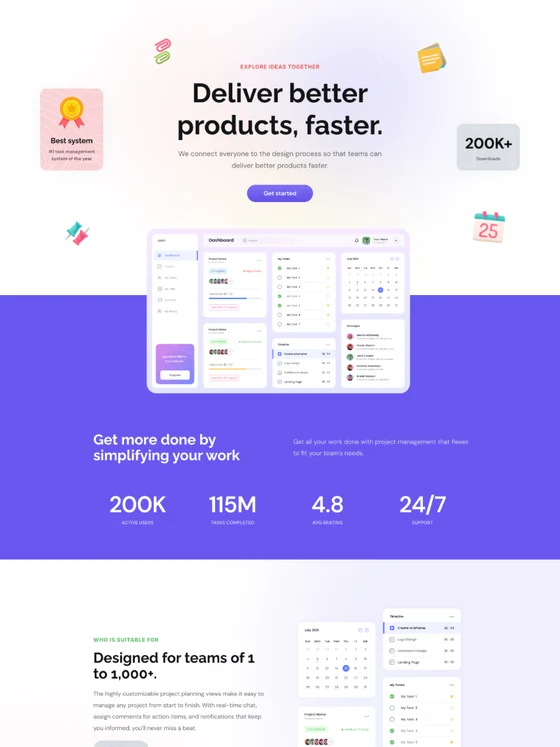
Start with a complete page
Pick a full-page design when you want a connected layout from top to bottom.
Templates Catalog
Browse full-page Elementor templates and ready-made sections, import a starting point and customize it for your project.
See how to get startedPick a full-page design when you want a connected layout from top to bottom.
Import a hero, feature area or another ready-made section.
Replace content, images, typography and colors in the editor.
Explore templates by purpose and collection, preview a design, then import it from the King Addons library inside Elementor.
Free designs work with the free plugin. Premium templates and sections require an active King Addons Pro license.
Explore the documentation for setup details.
Yes. Edit the imported layout with Elementor.
Yes. The library marks each design as Free or Pro.
Find the King Addons plan that fits your sites.