
Design it in Elementor
Use your own layout, images, copy and widgets.
Popup Builder
Design popups in Elementor for announcements, offers and email signups. Choose how they open and where they appear.
See how to get startedOpen a click-triggered offer.
Use your own layout, images, copy and widgets.
Use On Page Load in Free, or choose Pro for button, scroll, exit-intent and other advanced triggers.
Use display conditions to control which pages show the popup.
See the King Addons interface you use to configure the feature.
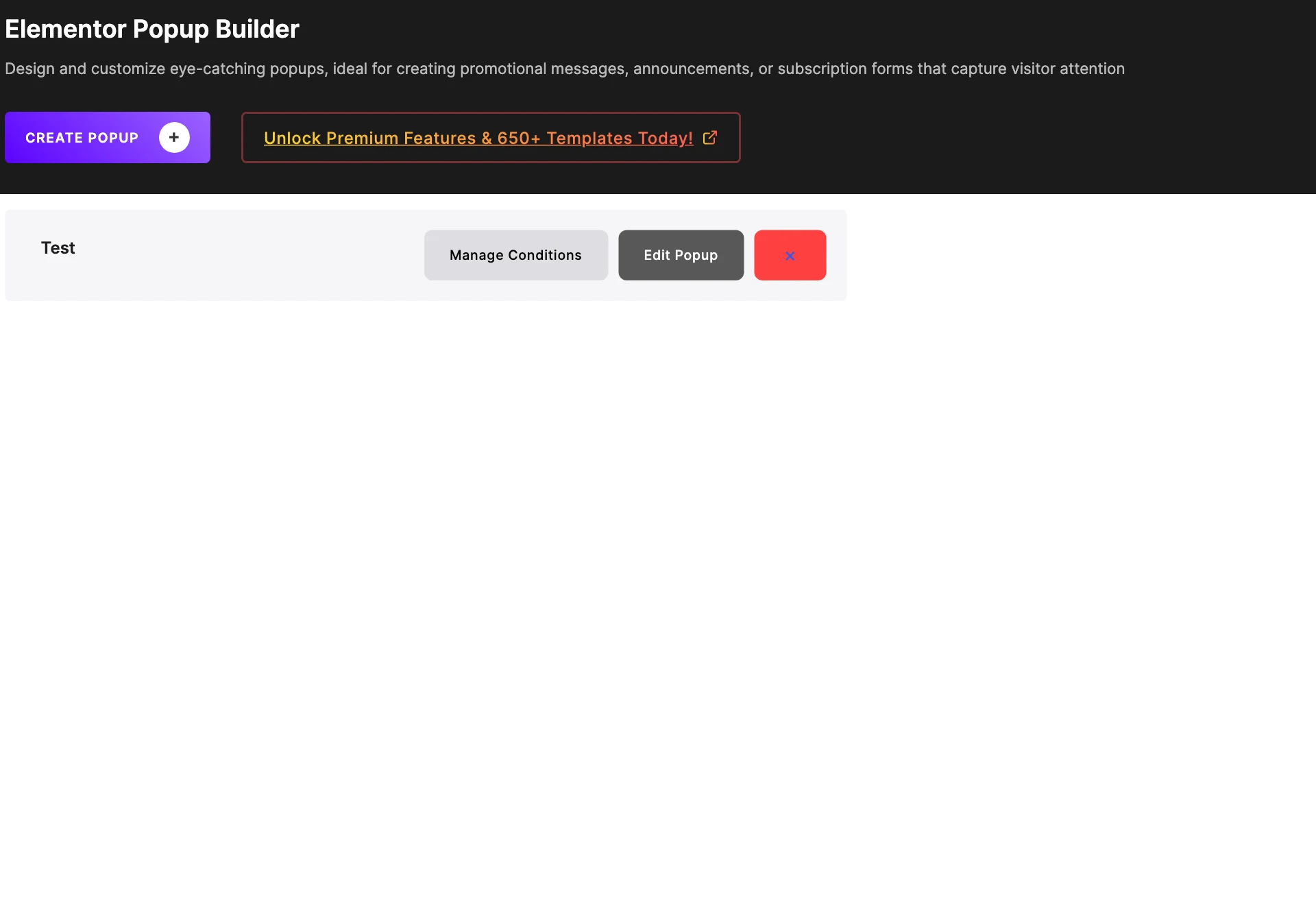
Give visitors a clear next step, whether that is exploring a seasonal collection or finding a signup form. Match the popup to the page and provide a clear way to close it.
Choose the feature access that fits the site you are building.
Works with free Elementor and King Addons. Features listed as Pro require active premium access.
Use the same tool for the layouts your visitors need.
Use an on-load popup with a clear message and a visible close control.
Use the Pro Custom Trigger to open a popup from a visitor’s button click.
Use Pro triggers and targeting to fit the popup to the page and moment.
Explore the documentation for setup details.
Yes. Use the Pro Custom Trigger and set the Element Selector to your button’s CSS class or ID. Free provides the On Page Load trigger.
Yes. Popup Builder templates are designed in Elementor.
See the tool, follow the setup instructions and choose the plan you need.
Find the King Addons plan that fits your sites.