
Build the header with King Addons, then use CSS position: sticky on the header wrapper that remains in normal document flow. Sticky positioning depends on the surrounding theme layout.
Before you start
An assigned header template and a way to add site CSS. This approach uses browser CSS, rather than assuming that a King Addons sticky-header switch exists.
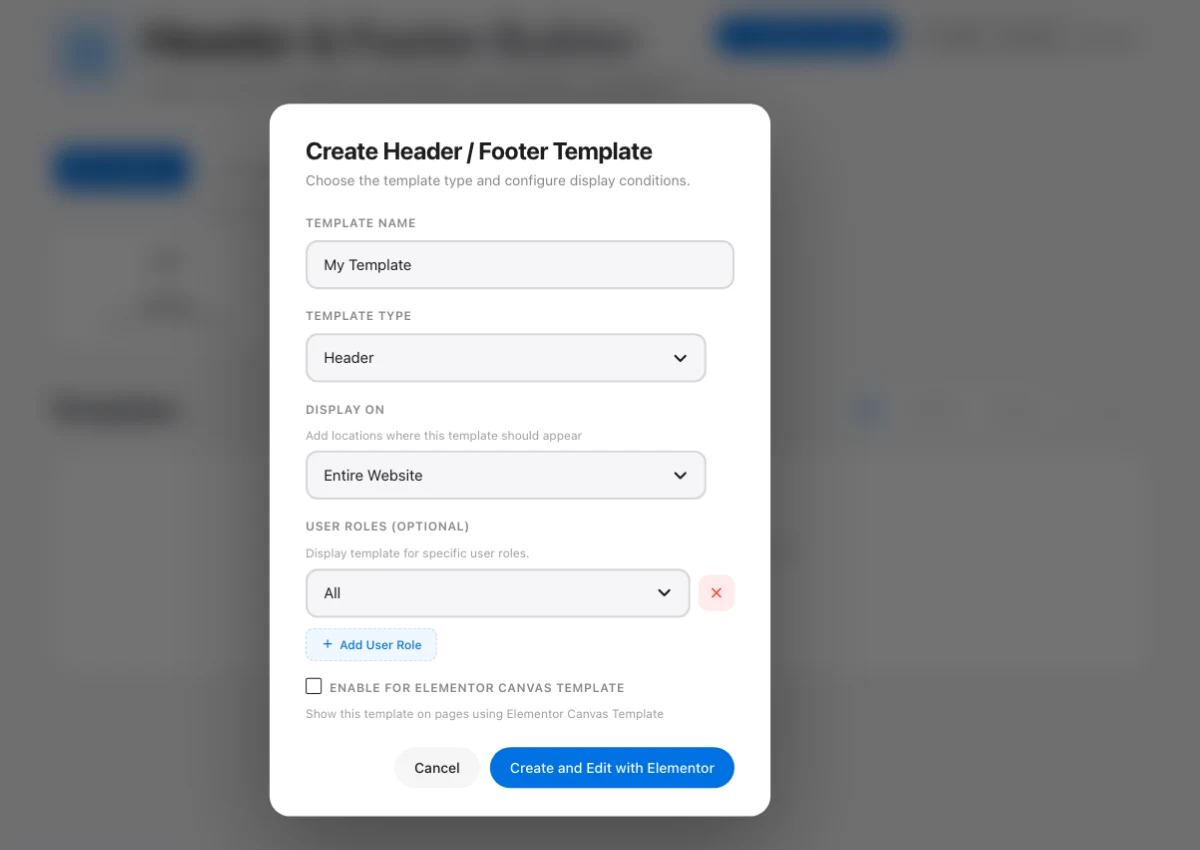
Set it up in WordPress
Create the header first
Build and assign a header with Header & Footer Builder. Check it on a normal page before adding sticky behavior. Start with a compact header so it does not consume most of a phone screen.
Identify the actual header wrapper
Inspect the rendered header and find the wrapper that encloses the whole header at page level. Applying sticky only to a child inside a short wrapper can prevent it from following the page.
Add a class to that wrapper
Use a dedicated class such as ka-guide-sticky-header. If your theme wraps the builder output, apply the class to that outer wrapper through the theme’s supported method instead of changing an unrelated container.
Add the CSS
Add the CSS below through your theme’s CSS area or a stylesheet. Give the header an opaque background, a suitable z-index and an offset for any persistent toolbar.
Check scroll and ancestor styles
Scroll a long page. If the header stops too early, inspect ancestor overflow and height constraints. Check anchor links so that section headings do not end up behind the fixed visual area.
.ka-guide-sticky-header {
  position: sticky;
  top: 0;
  z-index: 100;
  background: #fff;
}
body.admin-bar .ka-guide-sticky-header { top: 32px; }
@media (max-width: 782px) {
  body.admin-bar .ka-guide-sticky-header { top: 46px; }
}
Check the result
Test on a long desktop page and on a phone. Verify that the header does not overlap menus, dialogs or the first content heading.
Common questions
Is this a built-in sticky toggle?
This guide uses CSS sticky positioning with a King Addons header template.
Why does sticky positioning fail?
A short containing block or ancestor overflow can change the sticky behavior. Check the page-level wrapper rather than adding more z-index.