
Choose a cursor style
Start with a preset and adjust its appearance.
Custom Cursor
Use cursor presets and hover states to add a visual response to navigation and interactive elements.
See how to get startedA sample cursor interaction.
Start with a preset and adjust its appearance.
Configure hover states for elements visitors can act on.
Pro includes magnetic and image cursor options.
Explore the actual settings before you configure the feature.
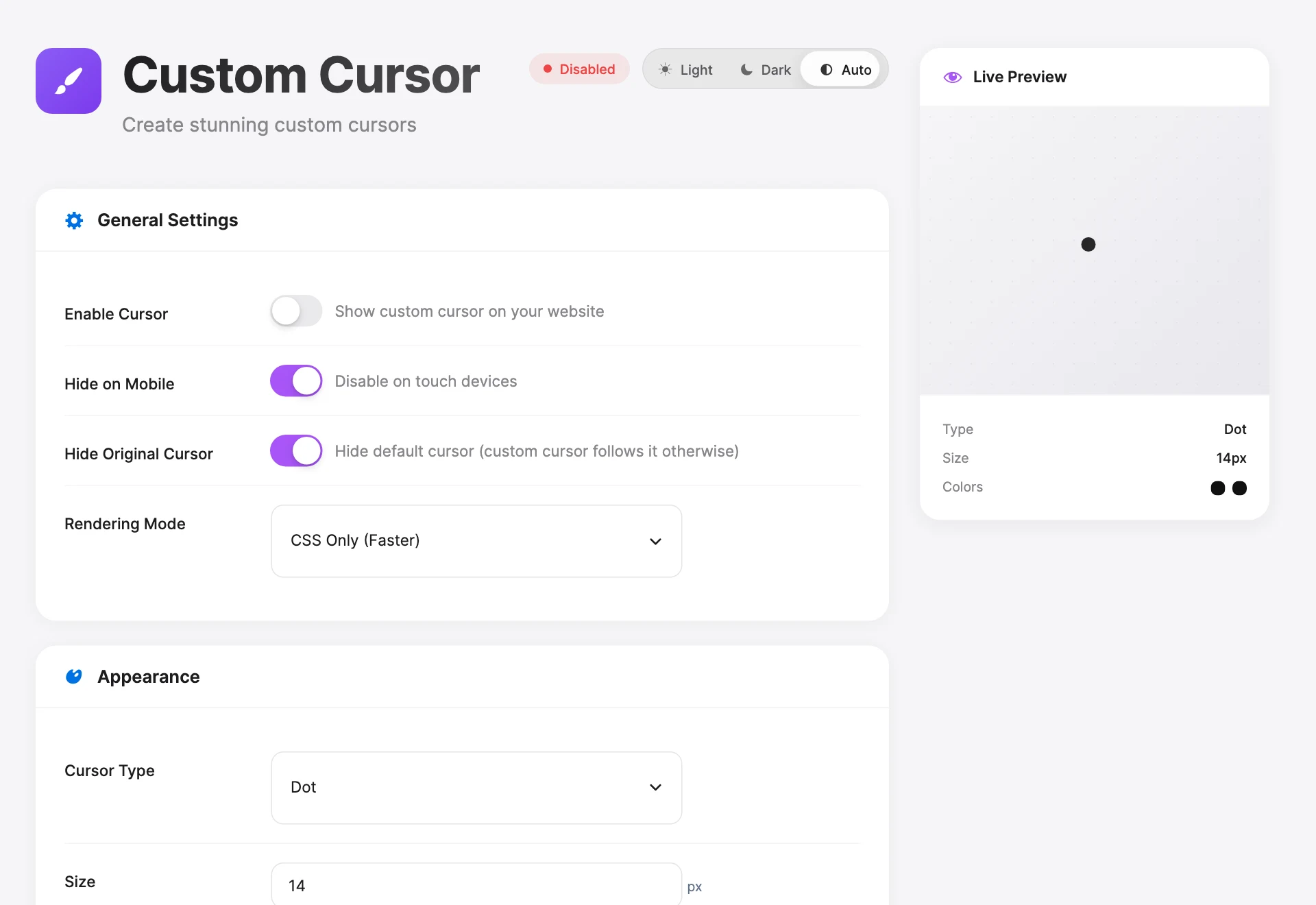
Use cursor effects to complement a portfolio or creative site. Keep the page’s links, buttons and focus states clear while you add motion.
Magnetic and image cursor options require King Addons Pro. Pointer effects are intended for devices with a mouse or similar pointer.
Explore the documentation for setup details.
Yes. The extension supports configurable hover interactions.
The example uses a pointer. Test the rest of your design on touch devices as well.
See the tool, follow the setup instructions and choose the plan you need.
Find the King Addons plan that fits your sites.